Second yeas started with a new PC lab which was located in a different building. We were introduced to our projects and marking criteria. After viewing the course introduction presentation, and no questions from the audience, we were playing a small logic game.
After that, we had a session about React and React Native. We learnes some basic terminal commands for creating a new project, installing packages, opening it in a web, and simulating different devices’ environment.
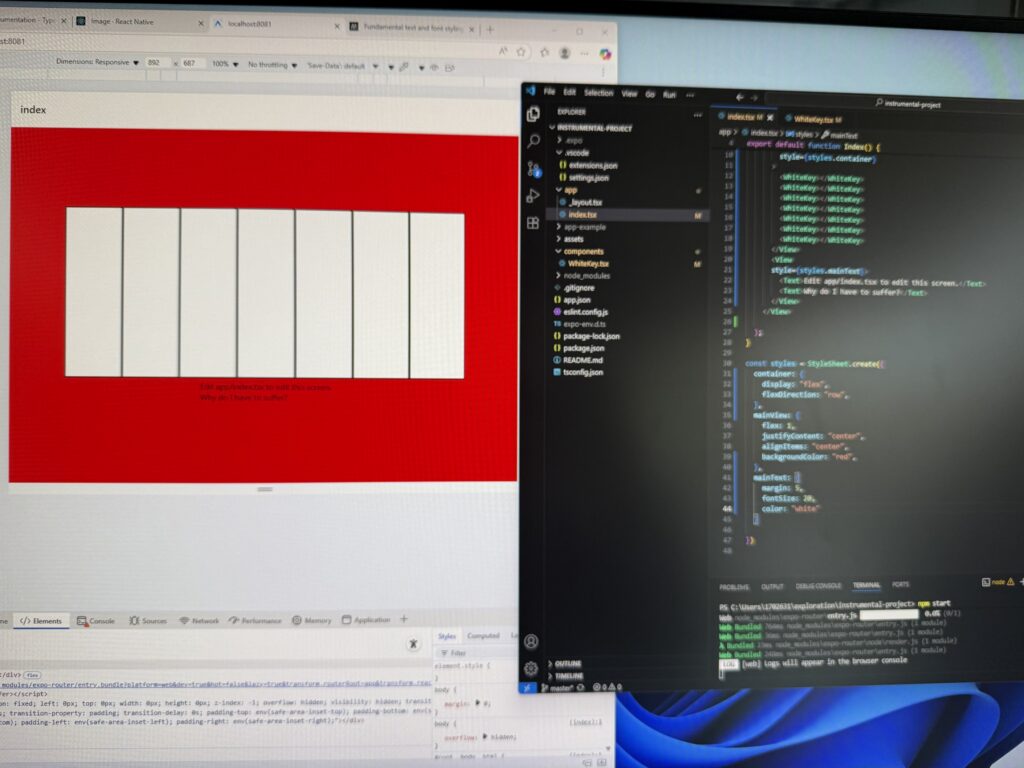
Then, we started working on our first project, which is the instrument app. I was working on one one PC inside the PC lab, so I didn’t need to set up the enviroment for the project, nor download anything. Everything, I needed for the first project was already instaled. I used the terminal to create the Instrumental folder, which will contain all project’s files, then created a GitHub repo for it. I had to download and install some components from the React Native website, and started modyfying the index.tsx file to create a simple display of the main page. Then I tested if everything works, and after a several issues that were resolved, the page was displayed correctly. I saved all changes on GitHub to keep working on my project at home.
The mp3 sounds for white and black keys were already in the app’s file, so I didn’t need to use external webites to download them.
I followed the guide from React Native to set up my enviroment at my own device.
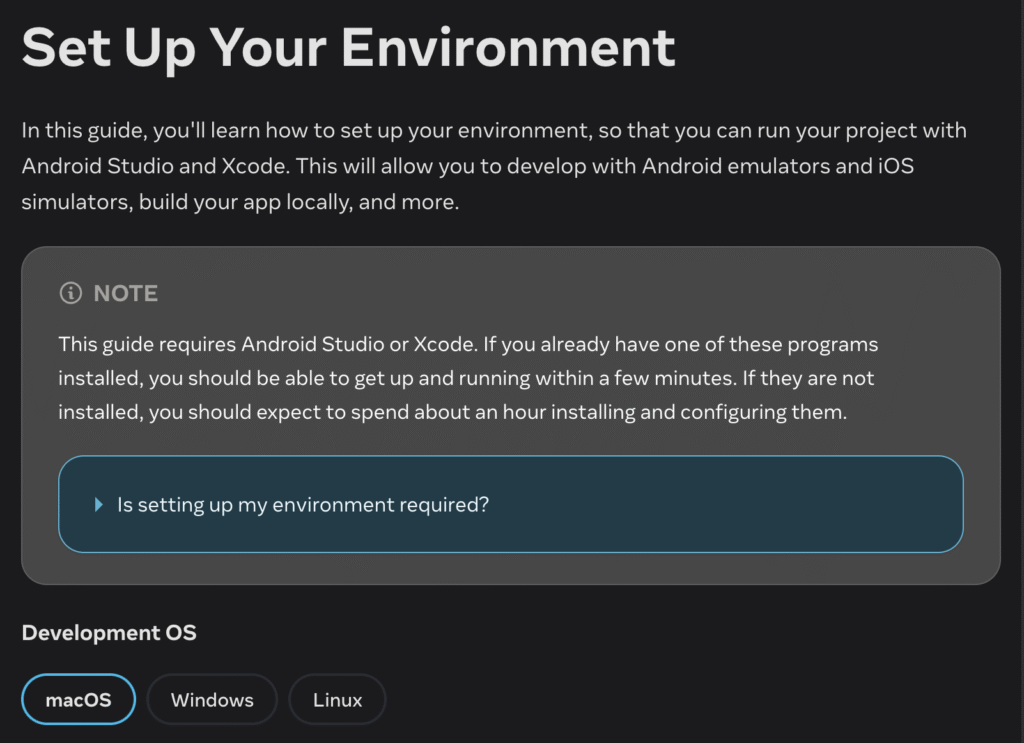
source: https://reactnative.dev/docs/set-up-your-environment
Whei the whole setup was done, I tried to run my project, but an unexpected error appeared, and it looked like something was missing. I copied the error message and tried to find a solution in the internet. I checked a couple of articles and Stack Overflow, but no luck. I decided to have a break.
Leave a Reply