After learning basics of Unity engine, we started working on our first project – VR room. We were following the “Create with VR” tutorial on the official Unity website, and we were making our room while following every step of the tutorial.
When following the tutorial, I downloaded all files that were attached to the tutorial. It was a pack of various 3D objects and textures. In Unity I selected my preferable room, and background city buildings to fill the empty area outside the room. I had to place everything in order to avoid any elements on the top of the others when it’s not necessary.
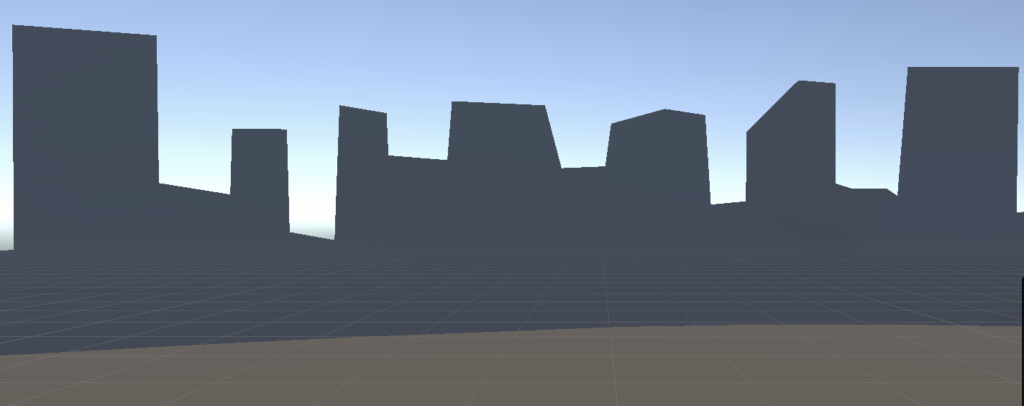
As a background, I added both 3D city’s buildings and 2D background to fill the space outise the room.
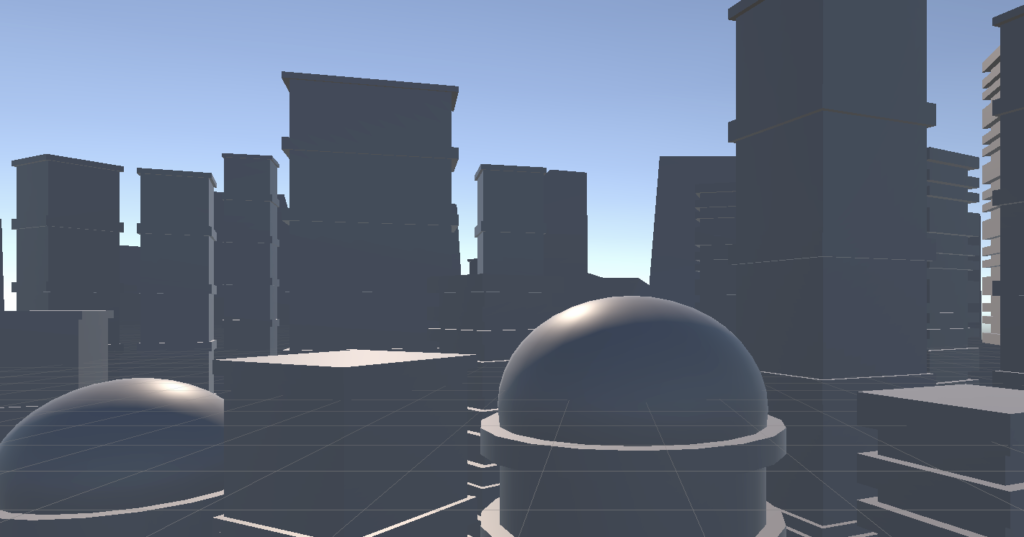
I also downloaded some assets from the Asset Store, and added them to my room.
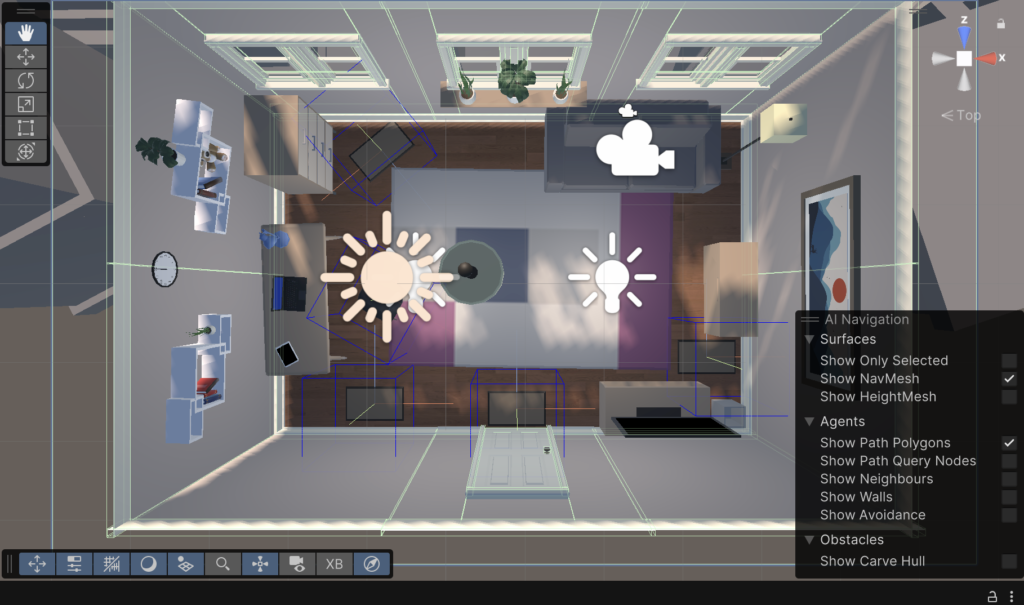
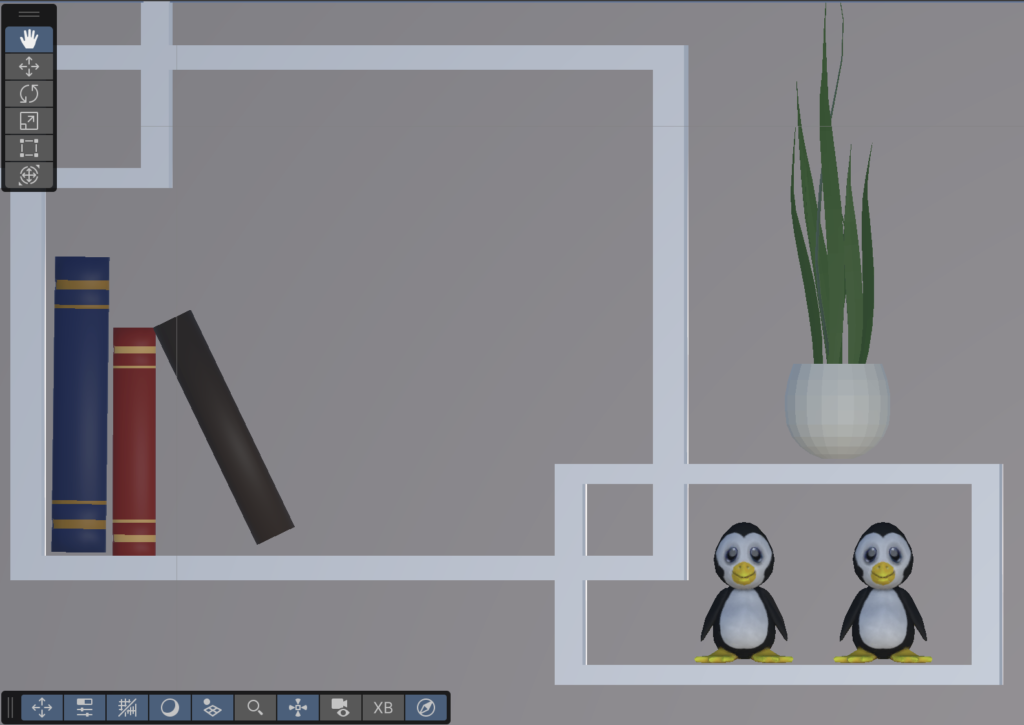
I downloaded some assets from the Unity assets store for free. I uploaded them, and placed them inside my room. Here’s the example of two penguin toys on a shelf.
Leave a Reply