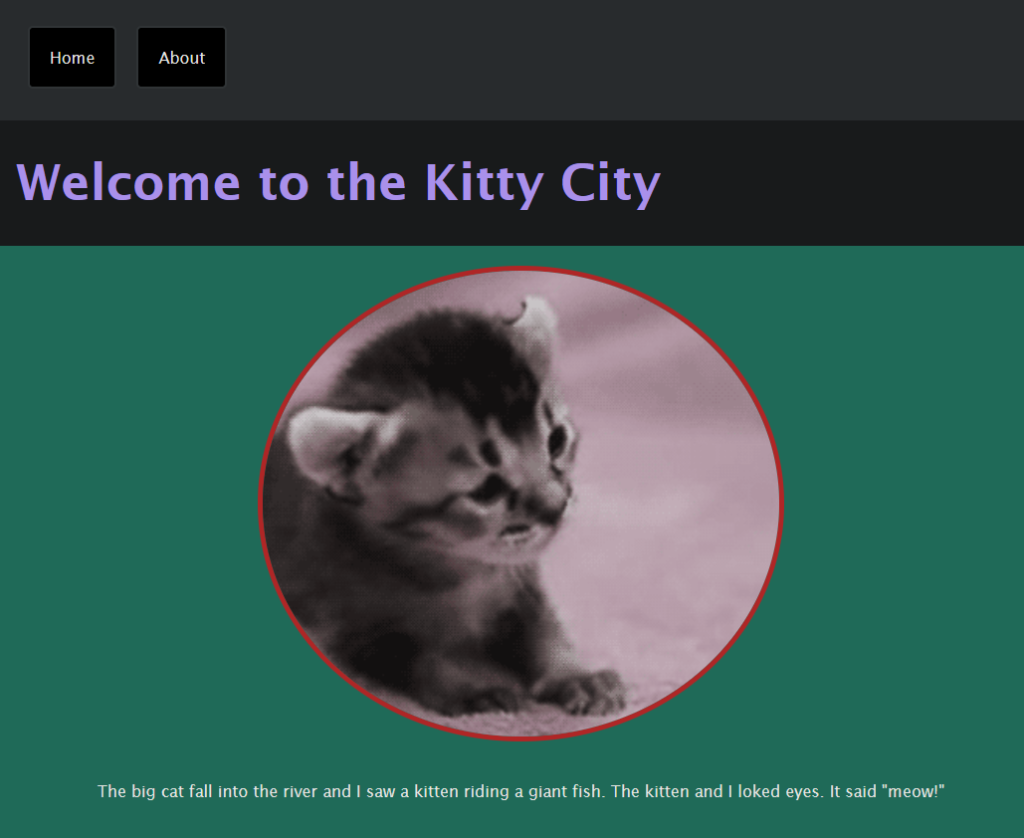
When we knew the basics of CSS, we started styling our website in the CSS file. We changed the colours, and position of elements and added a navigation bar. I made a couple of elements round as I knew (before) how to do some CSS and I knew how the “border-radius” works in CSS. I was also having some fun changing the colour palette not only inside my project but also randomly changing elements temporarily in the inspector tools on any other websites.
As we did dive deeper into HTML and CSS, we were working on a second project which was a gallery. Each of us chose a subject. My project was a funny wildlife gallery. I found several images in Google, uploaded them and was working on style. To have a unique font, we imported our favourite fonts from Google’s fonts collection.
From this project, I gained more understanding of why some styling properties need to be added to a specific styled element. I knew they needed to be there but I wasn’t sure why. All materials provided by tutors helped me with a better understanding of the relation between elements and properties.

On week 2, we also started with cPanel and installing WordPress into our cPanel server. We learned basics about how to navigate around to log-in or open, add things and edit our blog. We started the Developer Journey blog, where we share what have we learned in the past weeks. Each week start with a new post with information and images attached to it.

It was a preludium to the basics of WordPres.
Leave a Reply